Creating high-quality images used to require design skills, expensive software, or hours of work.
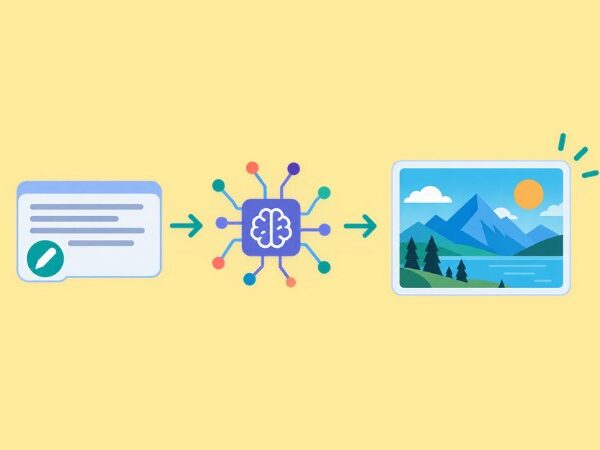
Today, AI can turn a simple text description into a realistic photograph, a colorful illustration, product photography, or a social media graphic in minutes.
For bloggers, marketers, business owners, and social media creators, this opens up many new possibilities.
You can create visuals for blog posts, design eye-catching thumbnails, prepare marketing materials, and test creative ideas without starting from scratch.
However, finding the right platform can take time. Some tools focus on artistic images, while others are better for editing images, creating graphics with text, or producing consistent brand visuals.
That is why we have collected 15 of the best AI image tools to help you save time and create better content.
This guide compares their main features, pricing options, strengths, and ideal use cases so you can choose the AI image tools that fit your workflow and budget.
What Are AI Image Tools?
AI image tools are applications that use artificial intelligence to generate, edit, or improve images. Many allow you to describe an image in everyday language and let the software create a visual based on your instructions.
For example, you could enter a prompt such as:
“Create a minimalist flat-vector illustration of a content creator working on a laptop, surrounded by floating image thumbnails, with soft turquoise and navy colors.”
The tool interprets your description and generates an image that you can use as a starting point for your project.
Some platforms also offer background removal, image upscaling, style changes, object replacement, and other editing features. Others combine image generation with complete design workflows.
The best choice depends on what you create, how much control you need, and how often you generate images.
15 Best AI Image Tools Compared
Here is a quick overview before we explore each platform in more detail.
| AI Tool | Best Use Case | Pricing Approach |
| ChatGPT Images | General image creation and editing. | Free access with limits; paid plans. |
| Midjourney | Artistic and cinematic visuals. | Paid subscriptions. |
| Adobe Firefly | Creative editing and Adobe workflows. | Free access with limits; paid plans. |
| Canva Magic Media | Social graphics and marketing designs. | Free access with limits; paid plans. |
| Leonardo.Ai | Detailed creative images and assets. | Free tier; paid subscriptions. |
| Ideogram | Images containing text. | Free access with limits; paid plans. |
| Recraft | Vector graphics and brand assets. | Free tier; paid subscriptions. |
| Krea AI | Real-time creation and image enhancement. | Free tier; paid subscriptions. |
| Magnific | Image creation and stock assets. | Free access varies; paid plans. |
| Google Gemini | Image generation and conversational editing. | Free access with limits; paid plans. |
| Microsoft Designer | Quick graphics and everyday creative work. | Free access; usage limits may apply. |
| Stable Diffusion | Advanced customization and local workflows. | Free model options; hosting may cost extra. |
| Shutterstock AI | Commercial creative projects. | Paid plans and licensing options. |
| NightCafe | AI art and creative experimentation. | Free credits; paid options. |
| DreamStudio | Direct access to image-generation models. | Credit-based pricing. |
Pricing note: Plan features, generation limits, and prices can change. The descriptions below distinguish free access from paid options where possible. Check each provider’s official pricing page before subscribing. Prices may vary by country, billing period, and taxes.
ChatGPT Images
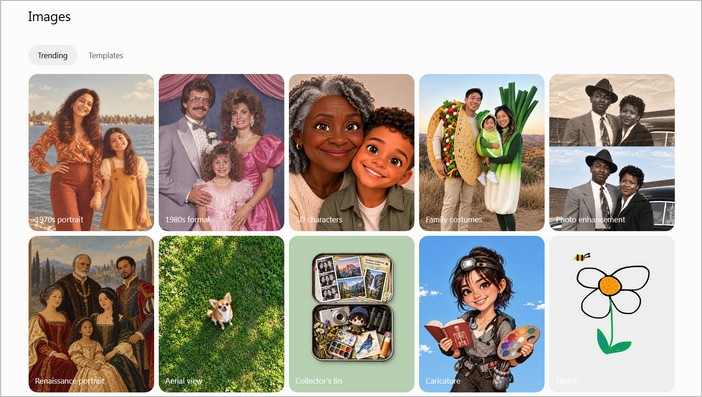
If you want to create images without learning complicated software, ChatGPT Images is a convenient place to start.
You can describe the image you need in a conversation, review the result, and request changes using ordinary language.
For example, you can ask for a blog illustration, then request a different background color, a cleaner composition, or a more professional style.
This conversational approach can save time because you do not need to rewrite your entire prompt after every change.
ChatGPT is especially useful for bloggers who need custom visuals that match specific sections of an article. It can also help brainstorm image concepts before creating the final artwork.
Main features: Text-to-image generation, conversational editing, and image creation from visual references.
Pricing: Limited image generation is available on the free plan. Paid plans offer different usage limits. See the official ChatGPT pricing page.
Best for: Bloggers, content marketers, beginners, and creators who want a straightforward workflow.
Potential drawback: Usage limits depend on the plan, and complex images may still require several revisions.
Midjourney
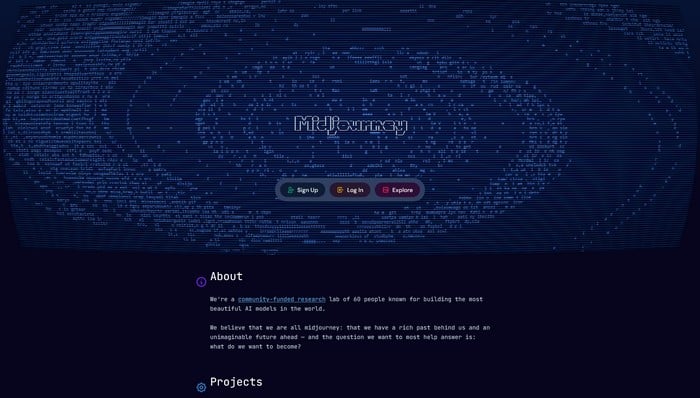
Midjourney is known for creating detailed, visually striking artwork. It is a strong choice when appearance matters, especially for dramatic scenes, fantasy illustrations, conceptual art, and polished editorial visuals.
Imagine creating a cinematic landscape for a travel article or a dramatic illustration for a creative campaign. Midjourney gives you extensive ways to explore visual styles, lighting, colors, and composition.
The platform is also useful for developing mood boards and testing different creative directions before settling on a final design.
Main features: Detailed image generation, artistic styles, visual variations, and image customization.
Pricing: Paid subscriptions start at $10 per month for the Basic plan, with annual billing available at a lower effective monthly rate. See Midjourney’s official plan comparison.
Best for: Designers, digital artists, creative agencies, and creators who need visually impressive artwork.
Potential drawback: Achieving a precise brand style or consistent layout may require experimentation.
Adobe Firefly
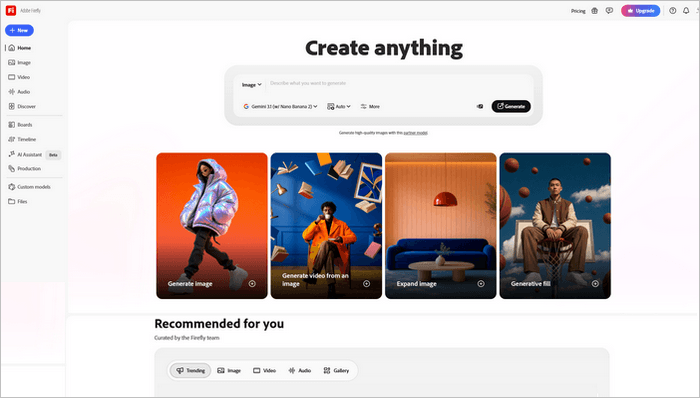
Adobe Firefly is worth considering if you already work with Adobe’s creative software or need AI assistance during an editing workflow.
Rather than focusing only on generating new images, Firefly offers creative features designed to help users modify existing visuals, expand compositions, and explore alternative ideas.
Depending on the product and plan, features may include generative image editing and other assisted AI image tools.
For example, you might need to extend a photograph to fit a wide blog banner or replace an object in a marketing image. AI-assisted editing can reduce the amount of manual work involved.
Adobe also provides information about its approach to commercially oriented AI generation and content credentials.
Main features: Image generation, generative editing, composition changes, and integration with Adobe creative workflows.
Pricing: Limited free access and paid plans are available. Some features consume generative credits. Visit the Adobe Firefly pricing page.
Best for: Designers, photographers, marketing teams, and existing Adobe users.
Potential drawback: Some advanced features require a subscription, and credit limits vary by plan.
Canva Magic Media
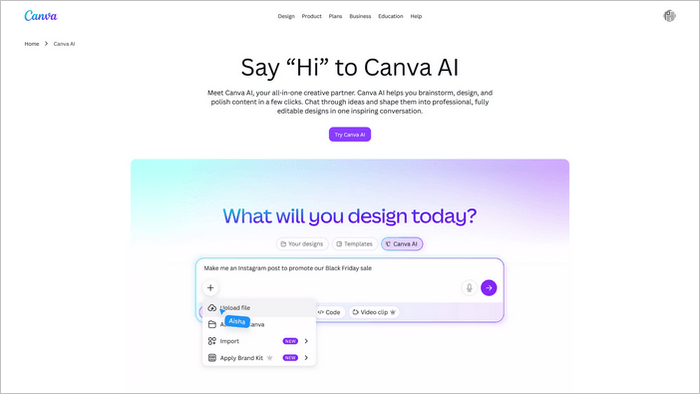
Canva is popular because it combines templates, layouts, design and AI image tools in one accessible platform. Its Magic Media features add AI image generation to that workflow.
This makes Canva particularly useful when you need more than an image. You might want to create a visual, place it inside a blog banner, add your brand colors, and resize the finished design for different social platforms.
For example, a single creative concept could become a blog featured image, a Pinterest graphic, and a LinkedIn post visual. You can adapt the layout without rebuilding everything from the beginning.
Main features: AI image generation, design templates, image editing, and social media layout tools.
Pricing: Canva offers a free plan with feature limits and paid plans with expanded access. Check Canva’s official pricing page.
Best for: Social media managers, bloggers, small businesses, and non-designers.
Potential drawback: AI generation allowances and premium design assets vary by plan.
Leonardo.Ai
Leonardo.Ai provides an AI creation workspace for generating images and developing creative assets. It offers multiple models, customization options, and tools for creators who want more control over their results.
You can use it to create character concepts, product imagery, illustrations, fantasy artwork, and other visual material. Its range of settings makes it suitable for users who want to experiment beyond basic text-to-image generation.
For content creators, the platform can help produce a collection of related images for an article series or marketing campaign.
Main features: Multiple image models, adjustable generation settings, image editing, and personal AI models on eligible plans.
Pricing: A free plan provides 150 fast tokens per day. Paid plans start at $12 per month for Essential at the time of writing. See Leonardo.Ai pricing.
Best for: Digital artists, marketers, game creators, and users who want creative control.
Potential drawback: The number of settings and models can feel overwhelming to beginners.
Ideogram
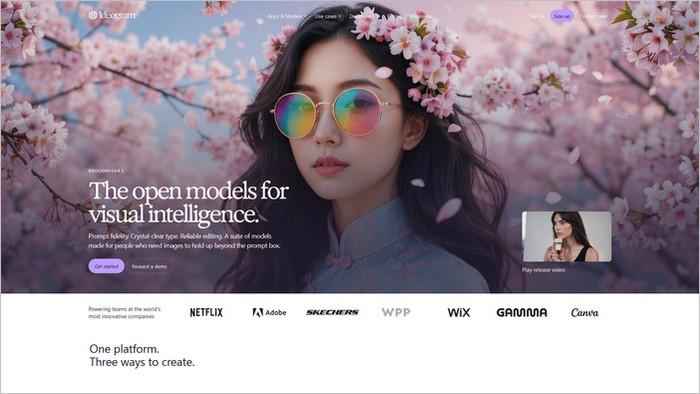
AI image tools and generators have historically struggled with accurate lettering. Ideogram is worth exploring when your design needs readable text, such as a poster, promotional graphic, or typographic concept.
For example, you might want a bold headline inside a campaign visual. A tool that handles text generation well can reduce the need to correct every letter manually in a separate design application.
Ideogram also offers image editing, reference-based workflows, and different generation settings.
Main features: Text-focused image generation, visual styles, image editing, and paid options for private generations.
Pricing: Limited free access is available. Paid plans include Plus at $20 per month or $15 per month when billed annually, according to the official pricing page. See Ideogram pricing.
Best for: Advertisers, social media creators, poster designers, and anyone creating text-heavy graphics.
Potential drawback: You should still proofread all generated text, especially for commercial designs.
Recraft
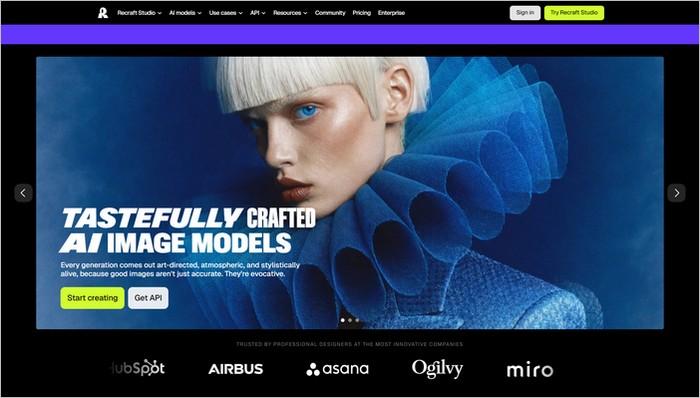
Recraft is particularly useful when you need illustrations, icons, vector graphics, or visual assets that fit a consistent design system.
This is important for businesses that want their website, marketing materials, and social media graphics to feel connected. Instead of relying entirely on photographs, you can develop a set of illustrations with a shared visual style.
Recraft also supports image editing and mockup creation, making it useful for presenting ideas before production.
Main features: AI image generation, vector graphics, mockups, and image editing.
Pricing: A free plan includes 30 daily credits. Paid plans provide higher limits and additional features; Recraft states that paid plans include full commercial rights. Review its official AI image generator and plan details.
Best for: Brand designers, website owners, illustrators, and businesses that need scalable graphics.
Potential drawback: The best workflow may require some familiarity with vector design and visual consistency.
Krea AI
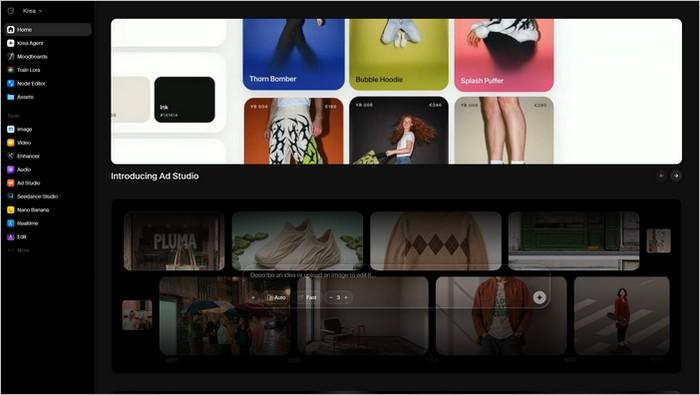
Krea AI is designed for creators who want to experiment quickly with images and visual ideas. Its real-time AI image tools allow you to explore changes as you work, making the creative process feel more interactive.
The platform also includes image upscaling and workflows that connect different AI models. These features can help when you have a promising concept but need a larger, more refined output.
For example, you could develop an illustration concept, adjust its appearance, and improve the resolution before placing it in a blog post.
Main features: Real-time generation, image enhancement, upscaling, and access to multiple models.
Pricing: Krea offers a free plan with 100 units per day. Paid plans provide more credits and additional capabilities. Check Krea pricing.
Best for: Designers, visual artists, marketers, and creators who like to experiment.
Potential drawback: Usage depends on the model and the number of credits each operation consumes.
Magnific AI
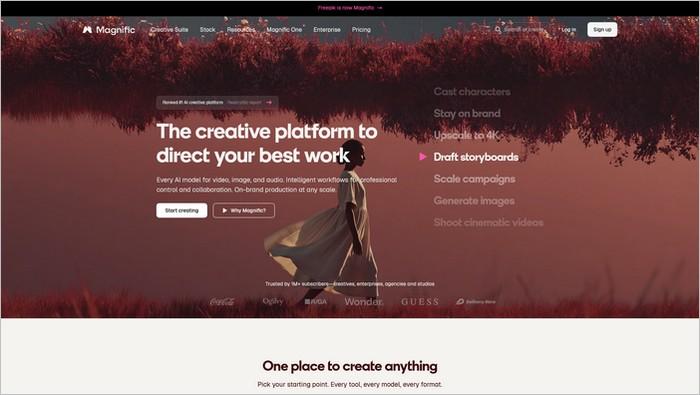
Magnific combines AI creation tools with a large library of stock photos, illustrations, vectors, and other creative resources. This combination is helpful when you need a mix of original AI-generated visuals and ready-made assets.
For example, a content creator might generate a custom illustration for a blog article, then use stock graphics or templates to prepare supporting social media designs.
The platform also offers image enhancement and other creative AI image tools, depending on the selected plan.
Main features: AI image generation, stock assets, design resources, and image upscaling.
Pricing: Free access varies by feature. Paid plans provide expanded AI credits and premium resources. See the official Magnific pricing page.
Best for: Bloggers, agencies, marketers, and creators who need a broad collection of visual resources.
Potential drawback: Credits and access to specific models vary by subscription. Review the licensing conditions for each type of asset.
Google Gemini
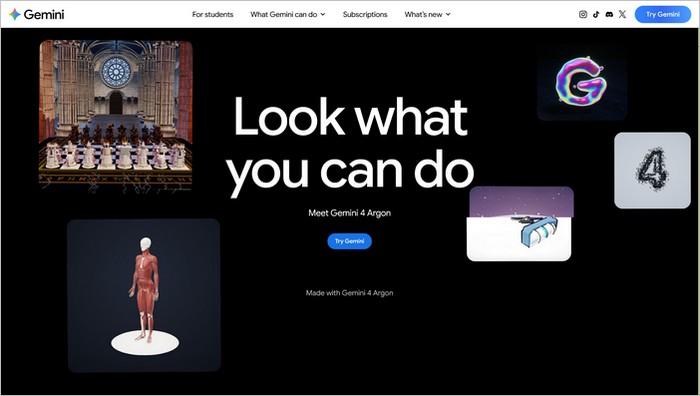
Google Gemini provides image-generation and image-editing capabilities through a conversational interface. You can describe a visual, inspect the result, and request adjustments using follow-up instructions.
This approach is useful when your idea evolves during the creative process. You might start with a simple product scene, change the lighting, and then ask for a different background without rewriting the whole request.
Gemini is also convenient for people who already use Google’s services and prefer a familiar, conversation-based workflow.
Main features: Text-to-image generation, conversational editing, and image creation based on references, depending on model and availability.
Pricing: Free access may include limited image generation. Paid Google AI plans provide different levels of access. See Google Gemini and Google’s AI plans.
Best for: Beginners, bloggers, and creators who prefer describing changes in plain language.
Potential drawback: Model access, regional availability, and generation limits can vary by plan.
Microsoft Designer
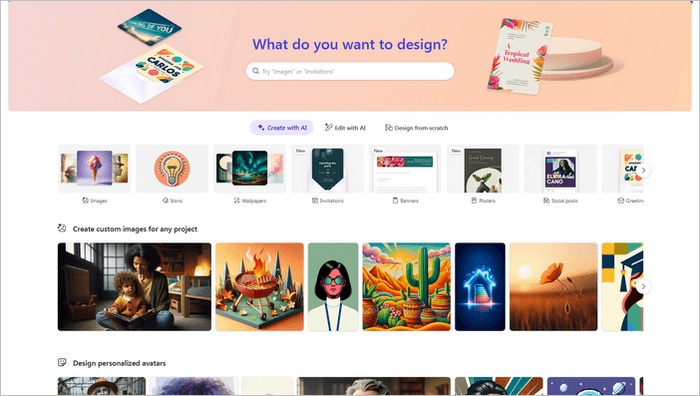
Microsoft Designer is an accessible option for creating visual content without a complicated design process. It can generate images and help turn creative ideas into graphics for everyday projects.
It is particularly useful for small businesses and individuals who need a quick promotional image, a simple social media visual, or a creative starting point for a presentation.
The platform is designed to make image creation approachable, even for people who have limited design experience.
Main features: AI-assisted image creation, graphic design features, and editing tools.
Pricing: Microsoft describes Designer as free to use, although a subscription may be needed for more frequent use or certain features. See the official Microsoft Designer FAQ.
Best for: Beginners, students, small business owners, and casual creators.
Potential drawback: Usage allowances and available features may depend on your account and region.
Stable Diffusion
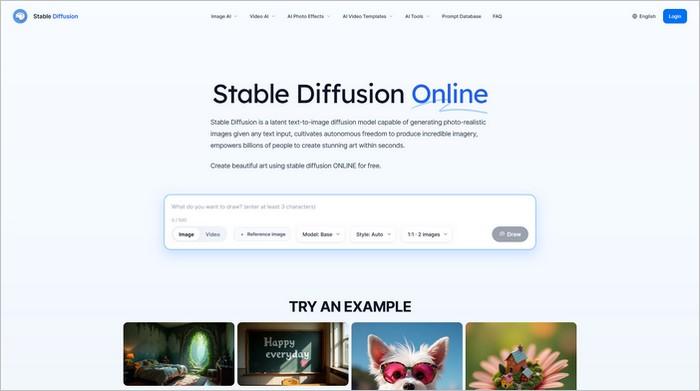
Stable Diffusion is a family of image-generation models that gives technically minded creators considerable flexibility.
Depending on the model and setup, you can customize the generation process, use reference images, and build workflows around specific creative needs.
Unlike a simple online generator, a local setup can offer more control over the software and workflow. Tools such as ComfyUI provide a node-based interface for connecting generation and editing steps.
For example, an experienced creator could build a repeatable workflow for producing product concepts or illustrations in a particular style.
Main features: Customizable image generation, model selection, local workflows, and integrations with community tools.
Pricing: Some models can be run without a software subscription, but suitable hardware, cloud computing, or hosted services may cost money. Licensing terms differ by model. Explore Stability AI and ComfyUI.
Best for: Technical users, developers, advanced artists, and creators who want extensive control.
Potential drawback: Setup and troubleshooting can require more technical knowledge than browser-based alternatives.
Shutterstock AI
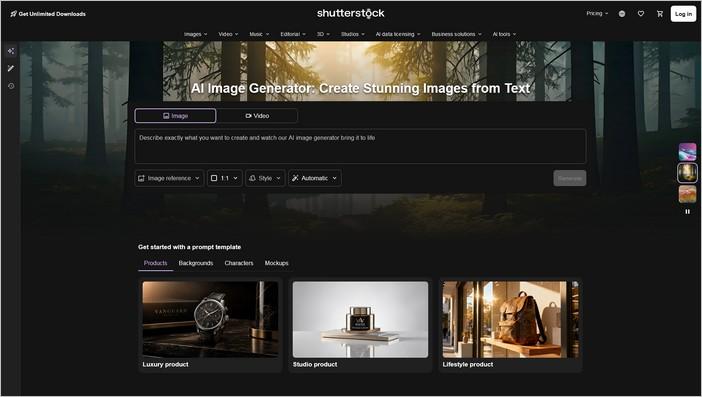
Shutterstock offers AI image-generation capabilities alongside its established stock content library and licensing services. This can be useful for teams that want to combine generated visuals with traditional creative assets.
For marketing departments, the appeal is not simply generating an image. It is also having a structured workflow for sourcing, reviewing, and licensing visual material.
Before using any generated image commercially, review the plan’s licensing conditions and the restrictions that apply to your intended project.
Main features: AI image generation, AI-assisted editing, stock content, and licensing options.
Pricing: Shutterstock offers paid AI generation plans and different licensing options for individuals and teams. See the official Shutterstock AI pricing page.
Best for: Marketing teams, businesses, publishers, and organizations that need a managed creative workflow.
Potential drawback: The cost and licensing conditions may be less attractive for hobbyists who only need occasional images.
NightCafe
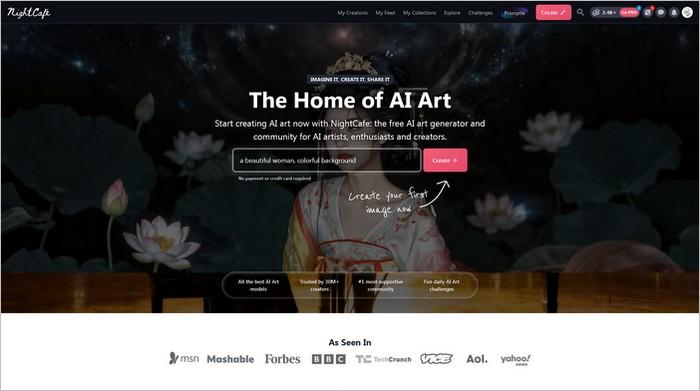
NightCafe is a community-oriented platform for exploring AI-generated artwork.
It is a good place to experiment with different models and artistic directions without immediately committing to a complex professional workflow.
You might use it to test ideas for fantasy illustrations, abstract artwork, landscape concepts, or personal creative projects. Its community features can also inspire you when you are unsure which style to try next.
NightCafe is more focused on creative exploration than on complete marketing design.
Main features: AI art generation, multiple model options, creative challenges, and community sharing.
Pricing: Free credits and paid credit or subscription options are available. Check the official NightCafe website for current offers.
Best for: Hobby artists, beginners, and creators who enjoy experimenting with visual styles.
Potential drawback: Credit systems and available models can change, so frequent users should check the cost of their preferred workflow.
Check out our work on NightCafe here: Create AI Art with Peter Nilsson on NightCafe.
DreamStudio
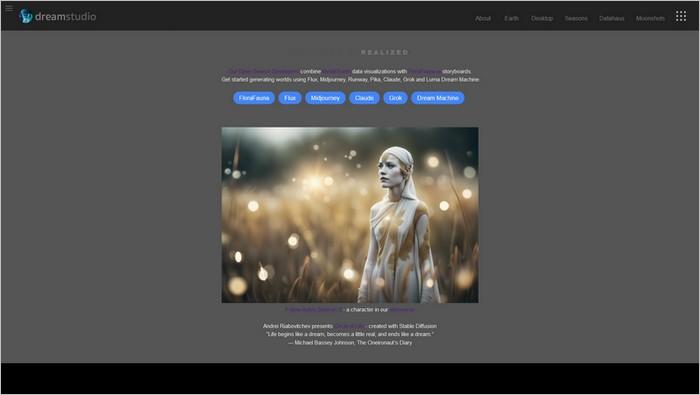
DreamStudio has served as a web-based interface for generating images using Stability AI technology. It is worth knowing about if you want a more direct generation workflow rather than a broad design suite.
Its appeal is the ability to create images from text descriptions and explore image-generation settings. This can be useful for testing ideas before refining them in another editor.
However, product offerings and access methods can change as AI platforms evolve. Check the current service status and pricing before choosing it for a long-term workflow.
Main features: Prompt-based image generation and model-related controls, depending on current availability.
Pricing: DreamStudio has historically used a credit-based approach.
Best for: Creators who want a direct image-generation workflow and are comfortable exploring model settings.
Potential drawback: Its current availability and features should be verified before you build a regular production process around it.
How to Choose the Right AI Image Tools for Your Needs
With so many platforms available, it is tempting to sign up for several and test everything at once. We recommend starting with your actual content needs instead.
If You Create Blog Posts and SEO Content
Start with ChatGPT Images, Canva Magic Media, or Adobe Firefly. These AI image tools can help you develop custom featured images, supporting illustrations, and visual concepts for specific sections of an article.
For a site like PixWizify, a consistent visual style can be just as important as image quality. Choose a limited palette, a recognizable illustration style, and a standard image size for similar content.
If You Create Social Media Content
Canva, Microsoft Designer, and Magnific are practical starting points. They combine image creation with AI image tools for preparing graphics for different platforms.
Think about your complete workflow. A useful tool should help you move from an idea to a finished, correctly sized graphic without unnecessary extra steps.
If You Need Artistic or Photorealistic Images
Explore Midjourney, Leonardo.Ai, and Krea AI. Each offers different creative options, and the best result depends on your prompt, chosen model, and desired style.
Test the same prompt in two or three platforms before paying for a subscription. This is an easy way to discover which one matches your visual expectations.
If You Need Brand Graphics and Accurate Text
Try Ideogram or Recraft. They are useful when text, vector artwork, or visual consistency plays an important role in your design.
Remember that AI-generated text still needs checking. For important brand names, product labels, and advertising claims, a final review is essential.
If You Want More Technical Control
Stable Diffusion and ComfyUI are worth investigating. They can support more customized workflows, but the learning curve is steeper.
Consider the time needed to install, configure, and maintain your setup. A free model is not automatically the cheapest option if it requires hours of technical work.
Tips for Getting Better Results From AI Image Tools
The quality of your results often depends on the instructions you provide. A detailed prompt does not need to be long, but it should explain the important parts of the image.
Start by identifying the subject, setting, visual style, composition, and lighting. For example, instead of writing “AI image for a blog,” try this:
“Create a minimalist flat-vector illustration for a professional SEO blog. Show a laptop displaying a website beside floating image thumbnails and a magnifying glass. Use soft turquoise, navy, and coral accents, rounded shapes, clean details, and a balanced landscape composition. No text, logos, or watermark. Landscape format, 800 × 440 pixels.”
This gives the image generator a clearer direction.
It also helps to make changes one at a time. If the first result has the right subject but the wrong colors, ask for a color adjustment rather than changing the entire prompt. Small revisions make it easier to understand what improves the result.
Finally, review every image before publishing it. Check for distorted objects, strange hands, incorrect text, awkward cropping, and visual details that do not fit your article.
How to Use AI-Generated Images for Better SEO
AI image tools can help you create original visuals for your website, but generating an image does not automatically improve search rankings. The image must serve the reader and fit the page.
Start with a clear purpose. A featured image should introduce the topic, while an illustration within the article should explain a concept or make a section easier to understand.
Choose a suitable file format, compress images without making them look poor, and use responsive image dimensions. Descriptive filenames and meaningful ALT text can also help search engines and people using assistive technology understand the content.
For example, a useful filename might be ai-image-tools-content-creation.webp.
A descriptive ALT text could be: “AI image creation tools helping a content creator design digital illustrations on a laptop.”
Write ALT text based on what the image actually shows. Avoid stuffing the same keyword into every image description. If an image is purely decorative, an empty ALT attribute may be appropriate.
For further guidance, consult Google’s official resources on image SEO best practices and image optimization for performance.
You should also consider file size. Large images can slow down a page, particularly on mobile devices. Compress the final artwork, select sensible dimensions, and use modern formats such as WebP or AVIF when supported by your website.
Are AI Image Tools Safe for Commercial Use?
Many AI-generated images can be used in commercial projects, but the rules are not identical across platforms.
Before using an image in an advertisement, a client project, or a product for sale, review the provider’s current terms.
Check the licensing, commercial-use rules, privacy settings, restrictions on generated content, and any requirements tied to your subscription.
You should also avoid prompts that request protected logos, copyrighted characters, or close copies of a specific artist’s work. An AI-generated result is not automatically free from intellectual property concerns simply because a machine created it.
For businesses, keeping records of the AI image tools, prompts, and licenses used to create important visual assets can make the workflow easier to manage.
Final Thoughts: Which AI Image Tools Are Worth Trying?
The best AI image tools are the ones that fit your creative process and help you produce useful content with less effort.
If you want a simple starting point, ChatGPT Images and Canva are practical options. If you value artistic detail, try Midjourney or Leonardo.Ai.
For graphics that require readable text, explore Ideogram. Recraft is worth considering for vector artwork, while Adobe Firefly is a natural option for many Adobe-based workflows.
You do not need all 15 AI image tools to create better content. Start with one or two, test them using real projects, and compare the results against your needs, budget, and available time.
We recommend, begin with a conversational image generator and a design platform. That combination can cover many everyday needs, from creating original blog illustrations to preparing consistent social media graphics.
The goal is not to generate the largest number of images. It is to create relevant, attractive visuals that help readers understand your content and make your website more useful.
FAQ About AI Image Tools
What are the best AI Image Tools for beginners?
ChatGPT Images, Canva Magic Media, Microsoft Designer, and Google Gemini are approachable starting points. They let users create images without needing advanced design skills.
Are there free AI Image Tools?
Yes. Several platforms offer free plans or limited free credits, including ChatGPT, Leonardo.Ai, Recraft, Krea AI, and Microsoft Designer. Limits and available features differ, so check the current terms before choosing a tool.
Can AI Image Tools create images for blog posts?
Yes. They can generate featured images, illustrations, diagrams, and supporting graphics. Review the output for accuracy and optimize the final file for website performance before publishing.
Do AI-generated images help with SEO?
They can support a better page experience by making content more useful and engaging. However, image generation alone does not guarantee higher rankings. Relevant visuals, good ALT text, appropriate file sizes, and helpful page content all matter.